


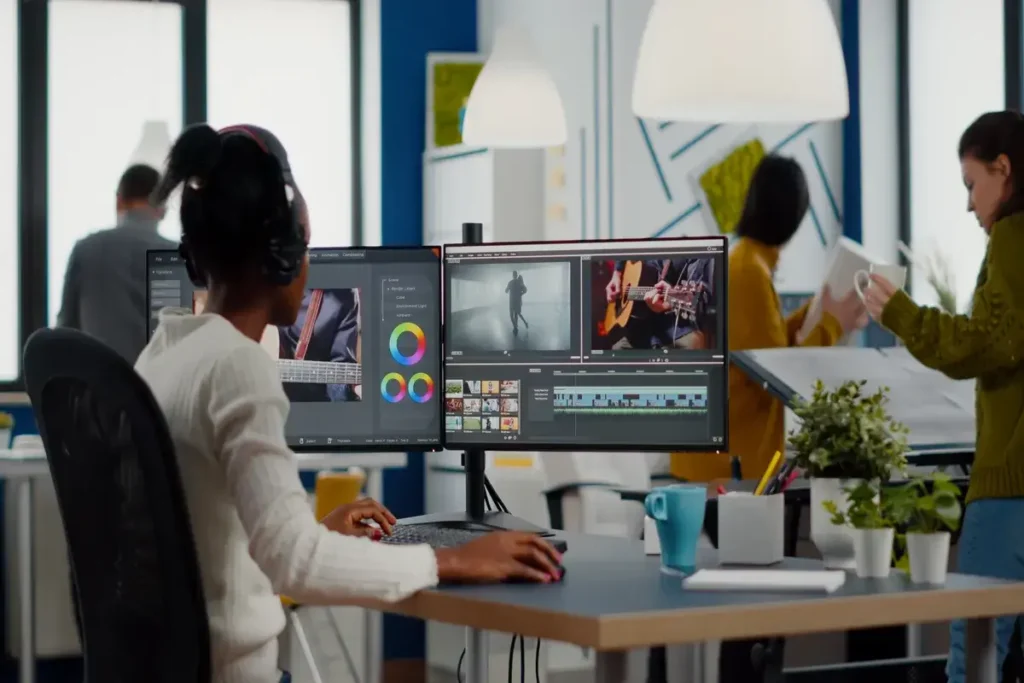
AI filmmaking is entering a new era. Tools like Seedance 2.0 and ElevenLabs are allowing creators to produce cinematic short films in hours instead of weeks—without cameras, actors, or traditional production pipelines. This workflow breaks down exactly how to create a polished 60‑second short film using both platforms, from concept to final audio mix.
1. Define Your Concept and Visual Style
Before touching any tool, outline the core elements of your short film:
- Theme: sci‑fi, thriller, romance, documentary
- Tone: dark, inspirational, comedic, surreal
- Setting: futuristic city, desert planet, suburban home
- Characters: age, appearance, personality
- Narrative arc: beginning → conflict → resolution
This clarity will guide your prompts and ensure visual consistency across scenes.
SEO Keywords: AI filmmaking workflow, Seedance 2.0 tutorial, cinematic AI video creation.
2. Break the Film Into 4–6 Scenes (10–15 seconds each)
A strong 1‑minute short film usually includes:
- Opening Establishing Shot
- Character Introduction
- Conflict or Turning Point
- Action or Emotional Peak
- Resolution
- Closing Cinematic Shot
This structure helps Seedance maintain coherence and gives you flexibility when editing.
3. Write Cinematic Prompts for Each Scene
Seedance 2.0 responds best to detailed, film‑language prompts. For each scene, include:
- Camera direction: “wide shot,” “slow dolly‑in,” “handheld”
- Lighting: “golden hour,” “neon reflections,” “soft diffused light”
- Atmosphere: fog, rain, dust, sparks
- Character details: clothing, emotion, movement
- Style references: Blade Runner, Dune, cyberpunk, documentary
Example Prompt: “A neon‑lit Tokyo alley at night, rain falling heavily. A young woman in a red jacket runs through the crowd. Handheld camera, cinematic depth of field, cyberpunk color palette, atmospheric fog.”
Repeat this process for each scene.
4. Generate the Video Clips in Seedance 2.0
Upload your prompts into Seedance 2.0 and generate:
- 4–6 clips
- 10–15 seconds each
- Matching visual style and color palette
If needed, regenerate variations until the continuity feels natural.
Tip: Keep character descriptions identical across scenes to avoid inconsistencies.
5. Create the Voiceover in ElevenLabs
ElevenLabs is ideal for:
- Narration
- Character dialogue
- Emotional voice acting
- Multilingual versions
Steps:
- Write a 60‑second script (around 120–140 words).
- Choose a voice model (realistic, dramatic, calm, etc.).
- Adjust emotion, pace, and intonation.
- Export the audio in high quality (WAV recommended).
If your short film includes characters, generate separate voice tracks for each one.
6. Add Sound Design and Music (Optional but Recommended)
ElevenLabs now supports sound effects and music generation. You can create:
- Ambient backgrounds (wind, city noise, forest atmosphere)
- Footsteps, impacts, mechanical sounds
- Emotional music beds
This step dramatically increases cinematic immersion.
7. Edit Everything in Your Video Editor
Use any editor (Premiere, DaVinci Resolve, CapCut, Final Cut) to assemble the final film.
Editing Workflow:
- Place your Seedance clips in sequence
- Trim to match pacing
- Add transitions or crossfades
- Sync the ElevenLabs voiceover
- Layer sound effects and music
- Apply color grading for consistency
Aim for a final runtime of 00:58–01:02.
8. Export and Publish
Export your short film in:
- 1080p or 4K
- H.264 or H.265
- High bitrate for crisp visuals
Then publish on:
- YouTube
- Instagram Reels
- TikTok
- Vimeo
- Your website or portfolio
Include keywords like AI short film, Seedance 2.0, ElevenLabs, and AI filmmaking workflow in your description for SEO.
Final Thoughts
Creating a 1‑minute cinematic short film with Seedance 2.0 and ElevenLabs is not just efficient—it’s creatively liberating. This workflow gives filmmakers, marketers, and storytellers a powerful blueprint to produce high‑quality content with minimal resources.
The future of filmmaking is no longer limited by equipment or budget. It’s limited only by imagination.